



How to Add Music for Facebook Reels Without Copyright Mutes

To safely add Music for Facebook Reels without getting muted, you need to use licensed tracks and whitelist your page. Facebook strictly monitors copyright, especially for business and creator profiles. By linking your Facebook channel to a music licensing platform like Hoopr, you secure perpetual clearance for your videos.
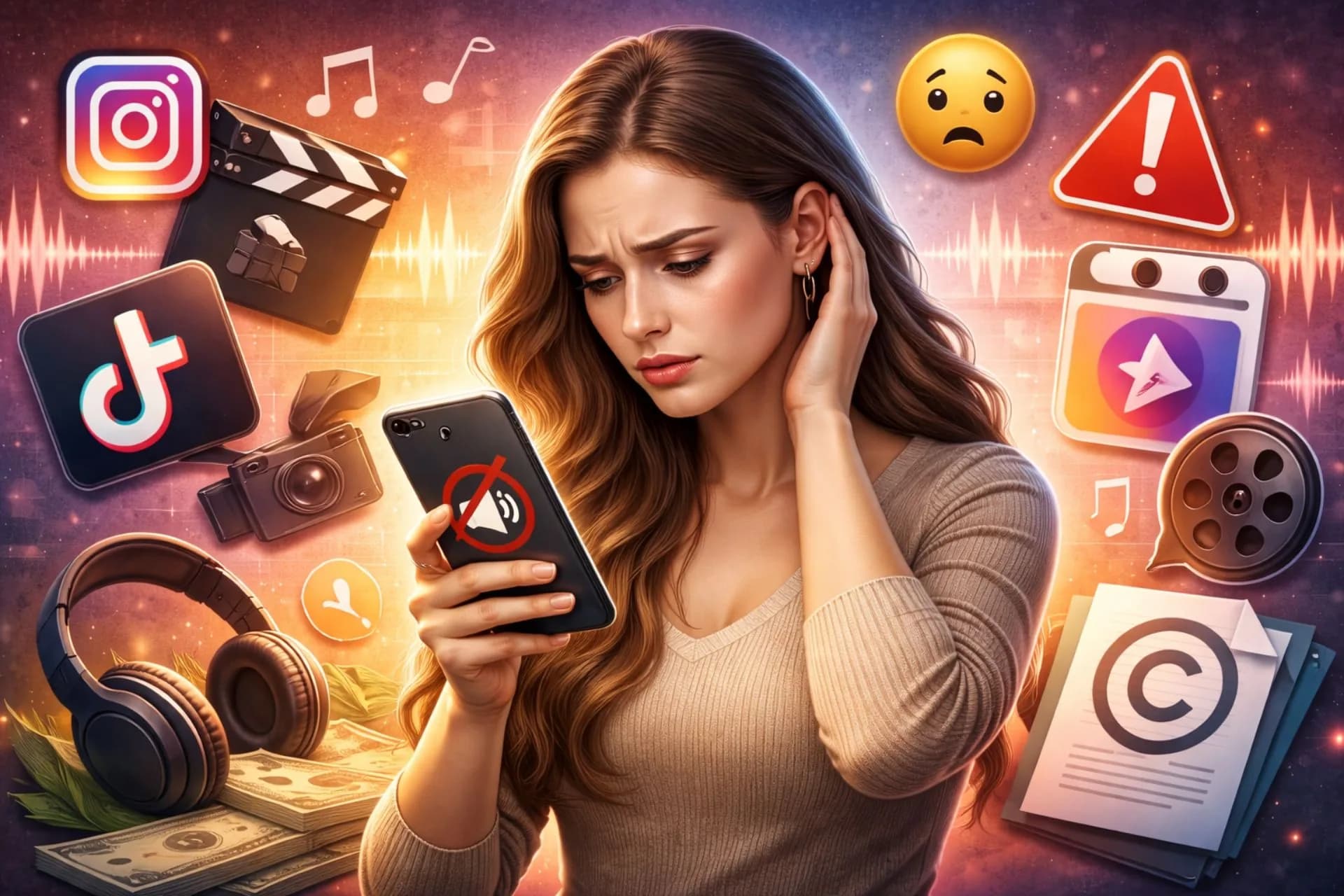
Facebook is aggressively pushing Reels, making it a massive discovery engine for your content. However, creators who simply repurpose their TikToks or Instagram Reels often run into a frustrating roadblock: Facebook mutes their audio due to copyright restrictions. This happens because commercial music rights vary across platforms, and what is allowed on a personal account might trigger an immediate mute on a Facebook creator or business page.
Understanding Facebook's strict music policies is the only way to keep your content audible and engaging. When you use properly licensed music, you protect your page's reach and monetization potential. Let us look at exactly how you can soundtrack your short-form videos without losing your audio.
Key takeaways
- Facebook actively mutes Reels on creator and business pages that use uncleared commercial music.
- Using a music licensing platform allows you to clear your specific Facebook channel.
- Hoopr provides a per-channel licence that protects your Facebook Reels from copyright mutes.
- Clearance on your published Reels is worldwide and lasts forever, even if you cancel your plan.
In this article
- Why does Facebook mute my Reels?
- How do I add music to Facebook Reels safely?
- Can I use trending audio on a Facebook business page?
- What happens if I get a copyright claim on a cleared track?
- Top tracks for your Facebook Reels
- How do I turn long videos into Facebook Reels?
- Which Hoopr plan do I need for my Facebook page?
- Frequently asked questions
Why does Facebook mute my Reels?
Facebook mutes your Reels because its automated copyright system detects unlicensed commercial music on your video. This system is highly sensitive on Facebook, especially for professional accounts.
Meta uses advanced audio recognition software to scan every video uploaded to its platforms. When it detects a match with a copyrighted song in its database, it automatically applies the rights holder's policy. For business and creator pages, this almost always results in a muted video or a blocked upload.
While personal profiles sometimes get away with using mainstream songs, business and creator pages are held to strict commercial licensing standards. If you upload a video containing uncleared music, Facebook will mute the audio track or block the video entirely to protect the copyright holder. This is why repurposing content directly from other apps often fails.
How do I add music to Facebook Reels safely?
You add music safely by subscribing to a licensing platform, whitelisting your Facebook page, and downloading cleared tracks. This ensures the music is legally cleared for your specific channel.
Here is how you do it using Hoopr to protect your page.
- Create a Hoopr account and choose a subscription plan that fits your content needs.
- Go to your My Account section and provide your specific Facebook page URL to send it for whitelisting (the process of registering your channel so it does not receive copyright claims).
- Browse the Hoopr catalogue and download the tracks or sound effects you want to use.
- Edit the downloaded audio into your video using your preferred editing software.
- Upload the finished Reel directly to your protected Facebook page.
If you are new to this concept, you can read more in our guide on What Is Music Whitelisting? A Beginner's Guide for Creators.
Can I use trending audio on a Facebook business page?
No, you generally cannot use trending commercial audio on a Facebook business page without risking a mute. Commercial music is owned by major record labels, and their agreements with Meta usually cover personal use only.
Personal accounts have access to a broader commercial music library because Meta pays for those specific consumer licenses. However, the moment you switch to a professional account to access analytics or run ads, you lose access to that consumer library. Using a trending song through a workaround will eventually be caught by the system.
When a brand or creator page uses these songs, it violates those terms. Instead, you need licensed music that explicitly covers commercial or creator use. Hoopr licenses original music, meaning a single subscription clears your channel outright without you needing to buy a per-video licence.
What happens if I get a copyright claim on a cleared track?
Whitelisting your channel proactively prevents claims on Facebook, Instagram, and YouTube. However, automated systems can occasionally make mistakes and flag properly licensed music.
If a copyright claim does appear on a whitelisted YouTube channel, you do not need to panic or delete the video. Just fill out the claim clearance form in your Hoopr account and submit the video link. The team will clear the claim upstream, ensuring your video remains active and your monetization stays intact.
Clearance on an already-published video is worldwide and in perpetuity, meaning it stays cleared even if your subscription ends.
Top tracks for your Facebook Reels
The best tracks for Facebook Reels offer high energy and clear beats that keep viewers watching. Selecting the right mood is essential for short-form video.
You can easily browse music by use case to find the exact fit for your content. Here are some excellent options from the Hoopr Originals catalogue for your next upload.
- All About You by Hoopr (Nostalgic, Romantic) — Great for aesthetic vlog Reels and lifestyle updates.
- Hillside by Stereo Siddharth (Happy, Calm) — Perfect for peaceful travel Reels and family moments.
- Kha Ke Gujiya by Aditya Mishra (Happy, Celebratory) — Ideal for festive celebrations and party Reels.
- Jhumka Sway by soha (Motivational, Relaxing) — Excellent for beauty, wellness, and fashion Reels.
How do I turn long videos into Facebook Reels?
You can convert long videos into Reels by using Hoopr Creator Studio to automatically cut and reframe your best moments. Repurposing content is the fastest way to grow your Facebook page.
Many creators film long-form content for YouTube or podcasts but struggle to find the time to edit short clips for Facebook. Automating this process saves hours of manual editing work. By uploading your long video to the studio, you get ready-to-post vertical clips that already feature cleared background music.
With Hoopr Creator Studio, you upload a long MP4, MOV, or WebM file. The Clips tool finds the most engaging parts, reframes the video to a vertical 9:16 aspect ratio, and scores it with Hoopr music. You can also use the Captions tool to add styled text to your video. Both tools run on credits that are included with your paid subscription plans.
Which Hoopr plan do I need for my Facebook page?
The right plan depends on whether you are making personal content, earning through affiliate links, or doing paid brand collaborations. All plans include unlimited track and SFX downloads and cover YouTube, Instagram, and Facebook.
For everyday videos, the Starter plan at ₹399 per month (or ₹1999 per year) clears 1 channel per platform across 3 platforms. If you earn from affiliate links, the Pro plan at ₹799 per month (or ₹3999 per year) covers 3 channels per platform. For creators working on sponsored campaigns, the Elite plan at ₹1999 per month (or ₹9999 per year) covers 5 channels per platform and includes a dedicated account manager. You can review the full details on the plans and prices page.
Frequently asked questions
Do I need to credit Hoopr in my Facebook Reels?
No, there is no attribution requirement when you use Hoopr music. Once your channel is whitelisted, you can use the tracks freely without mentioning the platform in your captions. However, giving a shout-out is always appreciated and helps independent artists get discovered.
Will my old Facebook Reels get muted if I cancel my subscription?
No, your existing videos will not be affected. Clearance on any video published while your subscription is active is worldwide and perpetual. You will only face claims on new videos uploaded after your subscription ends.
Can I use Hoopr music on platforms other than Facebook?
Yes, your Hoopr subscription allows you to whitelist channels on YouTube and Instagram as well. These three platforms are fully cleared for your licensed music. Any channel you register will be protected from copyright strikes.
Can I edit or remix the tracks I download?
No, you cannot create derivatives, covers, or remixes of Hoopr tracks. The music is licensed to enhance your video content, and the music itself cannot be the main focus of the Reel. You must use the tracks as they are provided in the catalogue.
Can I buy a single track for my Facebook Reel?
Yes, you can purchase a Lifetime Licence for a single track if you do not want a full subscription. A Lifetime Licence allows you to use that particular track for life. You can simply click the shopping cart icon next to the track you like to see the pricing details.
How do I download stems for my Reel?
Hoopr offers you the option to download separate elements of a track, known as stems. You can play the track you like, click on the Full Mix option, and a menu will appear showing the available stems. This is incredibly useful if you only want the drum beat or the melody for your video.
Getting your audio muted is one of the most frustrating experiences for a video creator. By securing the right licence and whitelisting your channels, you can focus on making great content without fearing the algorithm.
Ready to soundtrack your videos safely? Explore the Hoopr Originals music catalogue today and find the perfect beat for your next Reel.