









Best Background Music for Storytime Videos and Vlogs
The best background music for storytime videos is subtle, ambient, and low-fi instrumental audio that fills dead air without overpowering your voice. A good track sets the emotional tone of your narrative while keeping your viewers focused entirely on the story you are telling them.
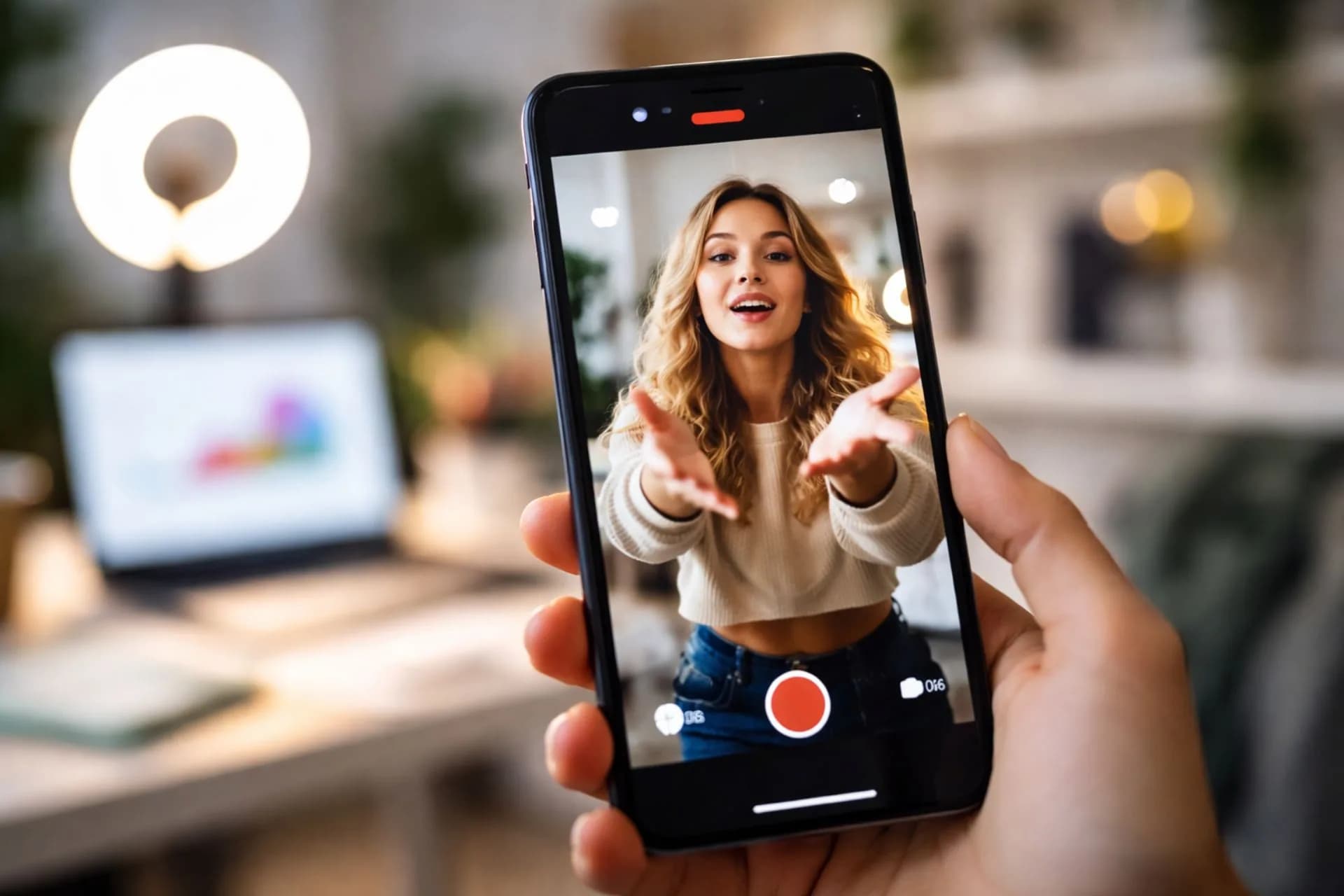
When you sit down in front of the camera to share a personal experience, a Q&A, or a deep dive into a topic, your voice is the main event. However, dead silence in the background can make the video feel empty or awkward. Adding the right audio bed transforms a simple talking-head video into an engaging, polished narrative.
It is crucial to pick tracks that match the mood of your story without distracting the viewer with heavy vocals or sudden beat drops. You need a reliable library of calm, high-quality tracks to keep your audience hooked from start to finish.
Key takeaways
- Choose minimal, instrumental tracks that do not compete with your voice.
- Match the mood of your music to the emotional arc of your story.
- Keep your audio levels balanced so the music sits quietly underneath your dialogue.
- Use a Hoopr subscription to whitelist your channels and avoid copyright claims.
In this article
- What makes good background music for storytime videos?
- How do I choose the right track for a sit-down vlog?
- Top calm and ambient tracks for your stories
- Can I use multiple songs in one storytime video?
- What happens if I get a copyright claim on my vlog?
- Best practices for mixing your voice and music
- Frequently asked questions
What makes good background music for storytime videos?
Good background music for storytime videos relies on simplicity, consistent pacing, and an absence of distracting elements. The goal is to support your voice rather than steal the spotlight.
1. Instrumental only
Vocals in your background track will clash with your spoken words, confusing the listener's ear. Human brains naturally try to process language, which causes cognitive overload if there are lyrics playing underneath your dialogue. Stick to purely instrumental tracks or ambient soundscapes. This ensures your audience processes your story without their brain trying to decode background singing.
2. Consistent volume and pacing
Avoid tracks with sudden, dramatic beat drops or jarring volume changes. Sit-down vlogs often run for ten to twenty minutes, so a steady, predictable rhythm helps viewers settle into the video. If the music suddenly spikes in intensity, it will pull attention away from your narrative and ruin the intimate vibe.
3. Emotionally aligned
The music must match the tone of your story. Music acts as a subconscious cue for the audience to feel happy, sad, or suspenseful. A funny, lighthearted vlog needs a warm, acoustic bed, while a serious or emotional story benefits from soft, reflective pads. Mismatched audio creates a disconnect that makes viewers click away.
How do I choose the right track for a sit-down vlog?
You choose the right track by identifying the core emotion of your video and filtering your music search by that specific mood. Testing the track against your voiceover before exporting is the best way to ensure a perfect fit.
4. Filter by mood and use case
Instead of scrolling endlessly, use targeted searches to save hours of editing time. Browse music by mood on a platform like Hoopr to find categories like calm or reflective. You can also browse by use case to find tracks specifically curated for vlogs or documentaries. If you are filming seasonal content, you might also want to explore chill winter vlog background music for specific seasonal vibes.
5. Test the track with your voice
Never pick a track based on how it sounds on its own. Different microphones capture different vocal frequencies, so testing the music against your specific recording is mandatory. Drop it into your editing timeline, lower the volume, and play it underneath your vocal track. If you find yourself straining to hear your own words, the music is too busy and you need a simpler alternative.
- Listen for frequency clashes where the music masks your vocal range.
- Check the pacing to ensure the beat does not rush your natural speaking rhythm.
- Export a small test clip and listen to it on your phone speaker to verify the mix.

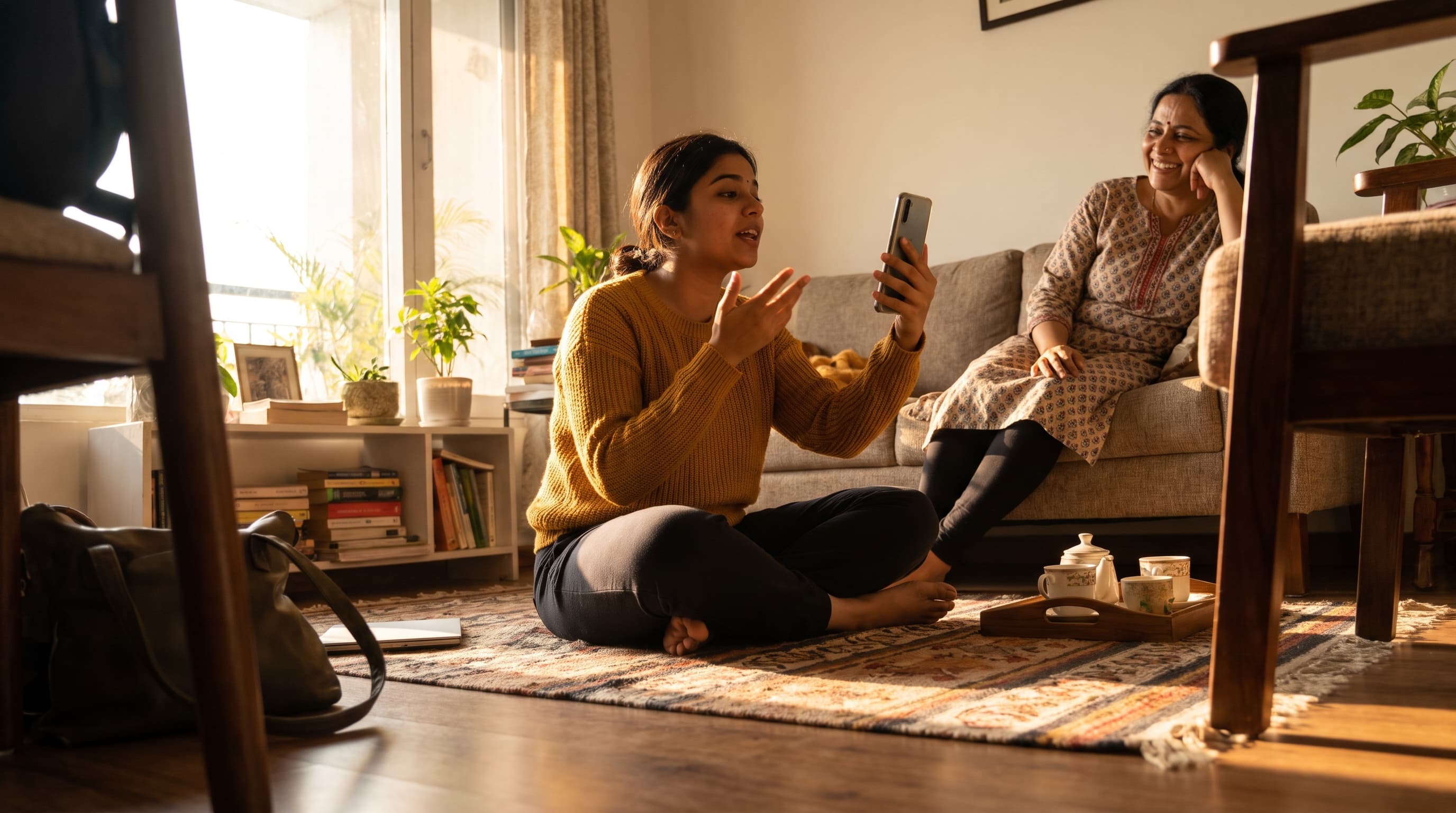
The mood of your story should guide the kind of background track you choose.
Top calm and ambient tracks for your stories
Here is a curated selection of subtle, ambient Hoopr Originals perfect for sit-down vlogs and storytimes. These tracks provide a beautiful, unobtrusive bed for your voice.
Explore these subtle, ambient options in the Hoopr music catalogue.
- Musafir by Shubham Shukla (Calm, Soulful) — Perfect for reflective, intimate, and late-night storytimes.
- Glam by Kod.E (Calm, Elegant) — Great for beauty vlogs and elegant sit-down videos.
- Chennai Chimes by Yellow (Calm, Relaxing) — Ideal for calm, spiritual, or travel-related stories.
- Khoya Hai by Siddharth Sharma (Hopeful, Soulful) — A hopeful, peaceful bed for inspiring narratives.
- Urban Dreams by Kod.E (Relaxing, Groovy) — A relaxing, chill groove for casual Q&As.
Can I use multiple songs in one storytime video?
Yes, you can use multiple songs to highlight different chapters or emotional shifts within your storytime video. Changing the music signals to your audience that the narrative is moving into a new phase.
If your story starts out lighthearted but takes a serious turn, your background music should reflect that shift. You can fade out a warm, acoustic track and gently fade in a more dramatic or sad piece. This technique keeps long videos engaging and helps maintain viewer retention.
Just ensure the transitions are smooth. Crossfade the audio tracks over a few seconds so the change feels natural rather than abrupt. Using curated playlists can help you find multiple tracks that share a similar sonic texture, making your transitions seamless.
What happens if I get a copyright claim on my vlog?
If you get a copyright claim, the platform may block your video, mute your audio, or redirect your ad revenue to the copyright owner. You can prevent this entirely by using properly licensed music and whitelisting your channels.
A licence gives you the legal right to use a piece of music in your content. When you subscribe to Hoopr, your chosen plan covers a specific number of channels on YouTube, Instagram, and Facebook. You link these channels in your account, which initiates whitelisting — a process that tells platforms your channel is cleared to use the music.
Once whitelisted, everything you publish on those channels with Hoopr music is cleared. If YouTube's Content ID system ever flags a video by mistake, you simply submit the video link through your Hoopr account. The team will clear the claim upstream, ensuring your monetization remains intact. Using a dedicated licensing platform is far safer than relying on a free stock library, which can leave you vulnerable to unexpected strikes.

Choosing the right background music ensures your storytime vlog stays online without any issues.
Best practices for mixing your voice and music
The best practice for mixing is to keep your voiceover crisp and clear while ducking the music volume to a subtle background level. Your audience should feel the music rather than actively listen to it.
6. Nail your voiceover first
Before adding any music, ensure your spoken audio is clean. Remove background hums, apply a gentle equalizer, and compress your vocals so your volume remains steady. No amount of good music can fix a muffled or echoing voice recording. A strong, clear voice track is the foundation of a good storytime video.
7. Lower the music volume significantly
A common beginner mistake is leaving the background music too loud. Creators often edit with professional headphones, which can make the music seem quieter than it actually is on a standard phone speaker. As a general rule, lower your music track to between -20dB and -30dB in your editing software. It should sit quietly beneath your voice, filling the silence without fighting for attention.
8. Use audio ducking
If your video includes pauses where you stop speaking for dramatic effect, use keyframes to slightly raise the music volume during the silence. When you start speaking again, drop the volume back down. This technique is heavily used in professional documentaries and reality TV. It creates a dynamic, professional mix that pulls the viewer deeper into your story.
Frequently asked questions
Do I need to buy a separate licence for every storytime video I upload?
No, the Hoopr licence is per channel, not per video. Once your YouTube, Instagram, or Facebook channel is whitelisted under your active subscription, you can upload as many videos as you want using Hoopr music.
Will my older vlogs get copyright strikes if I cancel my subscription?
No, the clearance on any video published while your subscription was active is worldwide and perpetual. It stays cleared forever, even if you decide not to renew your plan.
Can I use Hoopr music for a branded sit-down vlog?
Yes, but you need the right plan. The Elite plan covers paid brand collaborations and affiliate content, making it perfect for creators who work directly with sponsors.
Where can I find sound effects to enhance my storytelling?
Hoopr provides a dedicated sound effects library alongside its music catalogue. You can use these SFX to emphasize jokes, transitions, or dramatic moments in your vlogs.
Can I use these tracks on my podcast as well?
Yes, Hoopr subscriptions include clearance for audiobooks and podcasts. You can safely use the music as intros, outros, or background beds for your audio-only stories.
Crafting the perfect sit-down video requires vulnerability, good lighting, and the right audio. By selecting subtle, ambient tracks, you give your stories the emotional weight they deserve without distracting your viewers.
Ready to soundtrack your next big story? Explore the Hoopr pricing plans to get unlimited downloads and complete copyright protection for your YouTube, Instagram, and Facebook channels.