



Why Your Reels Get Muted: Common Reasons & How to Fix Them
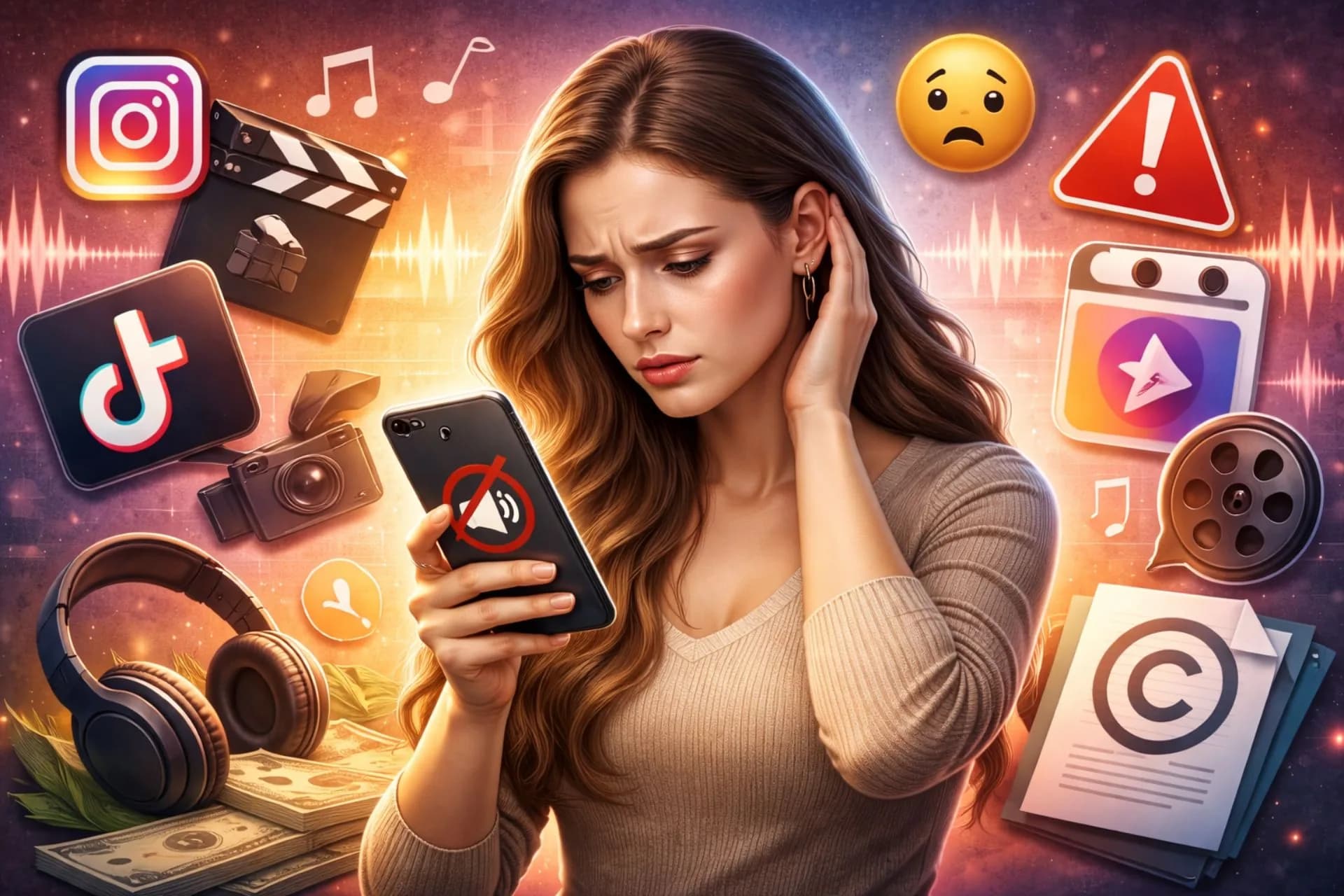
You post a reel, it starts getting traction… and suddenly the audio disappears.
Muted.
No music. No voice. No vibe.
If this has happened to you on Instagram (or even Facebook Reels), you’re not alone. Audio muting is one of the most frustrating issues creators face, and it can seriously hurt reach, engagement, and watch time.
So why does it happen? And more importantly, how can you stop it?
Let’s break it down.
What Does “Muted” Actually Mean on Reels?
When a reel is muted, Instagram removes or disables its audio—usually replacing it with silence or making the sound unavailable to viewers. This typically happens because the platform believes the audio violates its policies or copyright rules.
Sometimes it’s automatic. Sometimes it’s triggered after publishing. Either way, it’s a sign that something in your reel raised a red flag.
The #1 Reason: Copyrighted Music
The most common cause of muted reels is copyright infringement.
If you upload a video with background music that you didn’t license, or that isn’t part of Instagram’s in-app music library, the system can detect it and mute your audio.
This happens often when creators:
Use songs downloaded from YouTube or Spotify
Add music in external editing apps
Reuse TikTok audio that isn’t licensed on Instagram
Upload podcast clips or movie scenes
Record music playing in the background
Instagram uses audio-recognition technology to match soundtracks against copyrighted databases. Even a few seconds can trigger muting.
Business Accounts Have Extra Restrictions
If you’re using a business or professional account, your music options are more limited than personal or creator accounts.
Many trending songs are licensed only for non-commercial use. So if your reel promotes:
A brand
A product
A service
An affiliate link
A coaching program
A real-estate listing
…Instagram may mute the audio even if the same song works for other creators.
This surprises a lot of marketers.
Switching to royalty-free music or tracks approved for commercial use usually solves the issue.
Reused or Viral Audio Isn’t Always Safe
Just because an audio is trending doesn’t mean you can freely upload it yourself.
When you use the audio directly from Instagram’s library, you’re usually protected. But if you extract that same sound elsewhere and upload it manually, the system may treat it as unlicensed.
Always pick music from inside the app whenever possible.
Voice, Speech, or Content Violations
It’s not only music that gets muted.
Instagram can mute reels if spoken content is flagged for:
Hate speech
Harassment
Threats
Sexual content
Misinformation
Political manipulation
Sometimes this happens by mistake—automated systems aren’t perfect—but policy-breaking speech can lead to partial or full audio removal.
If you’re discussing sensitive topics, make sure the tone and wording are compliant with platform guidelines.
Background Music You Didn’t Notice
Here’s a sneaky one.
You record a reel in a café, gym, mall, or wedding venue. Music is playing faintly in the background. You barely hear it.
Instagram hears it.
That ambient song can still be copyrighted and trigger muting, even if your main audio is your own voice.
Creators who vlog outdoors run into this a lot.
Regional Licensing Issues
Some tracks are licensed only in specific countries.
If your reel includes music that isn’t cleared in a viewer’s region, Instagram may mute it for certain audiences, or globally in some cases.
That’s why a reel might sound fine to you but appear silent to followers elsewhere.
Account Flags or Past Violations
Accounts with repeated copyright claims or policy strikes are often monitored more closely.
If you’ve had reels muted multiple times before, future posts may get flagged faster, even for borderline content.
In some cases, reach also drops along with the muting.
How to Avoid Getting Your Reels Muted
To stay safe going forward, focus on using audio sources Instagram already approves. Add music through the in-app library rather than external editors whenever possible. For branded content, stick to royalty-free tracks or sounds explicitly cleared for commercial use.
If you rely on voiceovers, record in quiet spaces where no copyrighted music can sneak in. Double-check your environment before filming.
Creators who manage brands should also keep documentation for licensed audio, especially when working with agencies or advertisers.
What to Do If Your Reel Is Already Muted
If the reel was muted, check your notifications or Account Status section to see whether Instagram gave a reason.
Sometimes you can replace the audio with a new track from the library. Other times, you may need to delete and repost the reel with compliant sound.
If you genuinely believe the muting was an error, such as when using your own voice or original music, you can submit an appeal through the app.
Does Muting Affect Reach?
Yes, usually.
Muted reels often perform worse because viewers scroll past silent videos quickly. Watch time drops, engagement slows, and the algorithm may stop pushing the post.
That’s why preventing muting is far better than fixing it later.
Final Thoughts
Reels get muted mainly because of copyright issues, business-account restrictions, reused audio, or flagged speech. Most of the time, it’s not personal, it’s automated moderation doing its thing.
The smartest creator move?
Use in-app music, avoid external uploads of copyrighted tracks, record clean audio, and treat reels like broadcast content, not casual background noise.