









Best Funny Background Music for Videos and Comedy Skits

The best funny background music for videos relies on quirky instrumentation, sudden pauses, and playful rhythms to match your comedic timing. You can pair chaotic, upbeat tracks with classic sound effects like slips and boings to elevate your visual punchlines and keep your audience laughing.
Comedy is all about timing, and your audio plays a massive role in delivering the joke. When you script a sketch or film a funny vlog, the silence before a punchline is just as important as the dialogue. A well-placed sound effect or a sudden shift in your background score can turn a mild chuckle into a loud laugh.
Finding the right audio means looking for tracks that understand comedic pacing. You need music that feels lighthearted without overpowering your voice, and sound effects that hit exactly on the frame of your physical comedy. Browsing specifically for comedy skit use cases can help you find exactly what you need to build that invisible punchline.
Key takeaways
- Match the tempo of your music to the pacing of your sketch.
- Use sudden stops in your background score to emphasize a punchline.
- Layer classic comedy sound effects to exaggerate physical movements.
- Clear your channels to avoid copyright claims on your funny videos.
- Access both high-quality music and SFX in a single Hoopr subscription.
In this article
- What makes a track good for a comedy skit?
- How do I choose funny background music for videos?
- Can I use classic comedy sound effects?
- How do I layer audio for maximum comedic effect?
- What happens if I get a copyright claim on my skit?
- How do I edit long comedy videos into Shorts?
- Where can I find the best tracks for a comedy sketch?
- Frequently asked questions
What makes a track good for a comedy skit?
A great comedy track uses unusual instruments and bouncy rhythms to create a lighthearted atmosphere. It gives your video a playful energy without distracting from the dialogue.
1. Quirky instrumentation
Look for tracks that feature pizzicato strings, marimbas, or a funky bassline. These sounds naturally feel a bit mischievous and set a casual, fun tone for your viewers. Avoiding heavy synths or dramatic orchestral sweeps keeps the mood light enough for jokes to land.
2. Bouncy pacing
The rhythm should keep the video moving forward, especially during montage scenes or physical comedy. A steady, upbeat tempo prevents the energy from dropping between jokes. When your actors are moving quickly, the beat should match their chaotic energy perfectly.
3. Room to breathe
The best comedy scores have natural breaks or dips in volume. This allows you to cut the music completely for an awkward silence or a crucial line of dialogue. Tracks that are too dense will bury your punchlines under a wall of sound.
How do I choose funny background music for videos?
You choose your funny background music for videos by matching the specific comedic mood of your scene. A chaotic chase needs a very different track than a sarcastic, deadpan monologue.
1. Identify the joke's energy
If your skit involves running around or slapstick humor, you need fast, energetic music. For dry humor or awkward situations, a slow, minimal track works much better. Always let the script dictate the tempo of your audio choices.
2. Browse by mood
You can easily find the right vibe by searching through curated categories. Check out the Fun mood tracks to quickly locate audio that fits a lighthearted, celebratory sketch. Filtering by mood saves you hours of digging through unrelated genres.
3. Test the timing
Drop the track into your timeline before you finish editing. Always align the music's natural transitions with the shifts in your scene to make the audio feel like it was composed specifically for your video. If the beat drops exactly when your character falls over, the joke hits twice as hard.

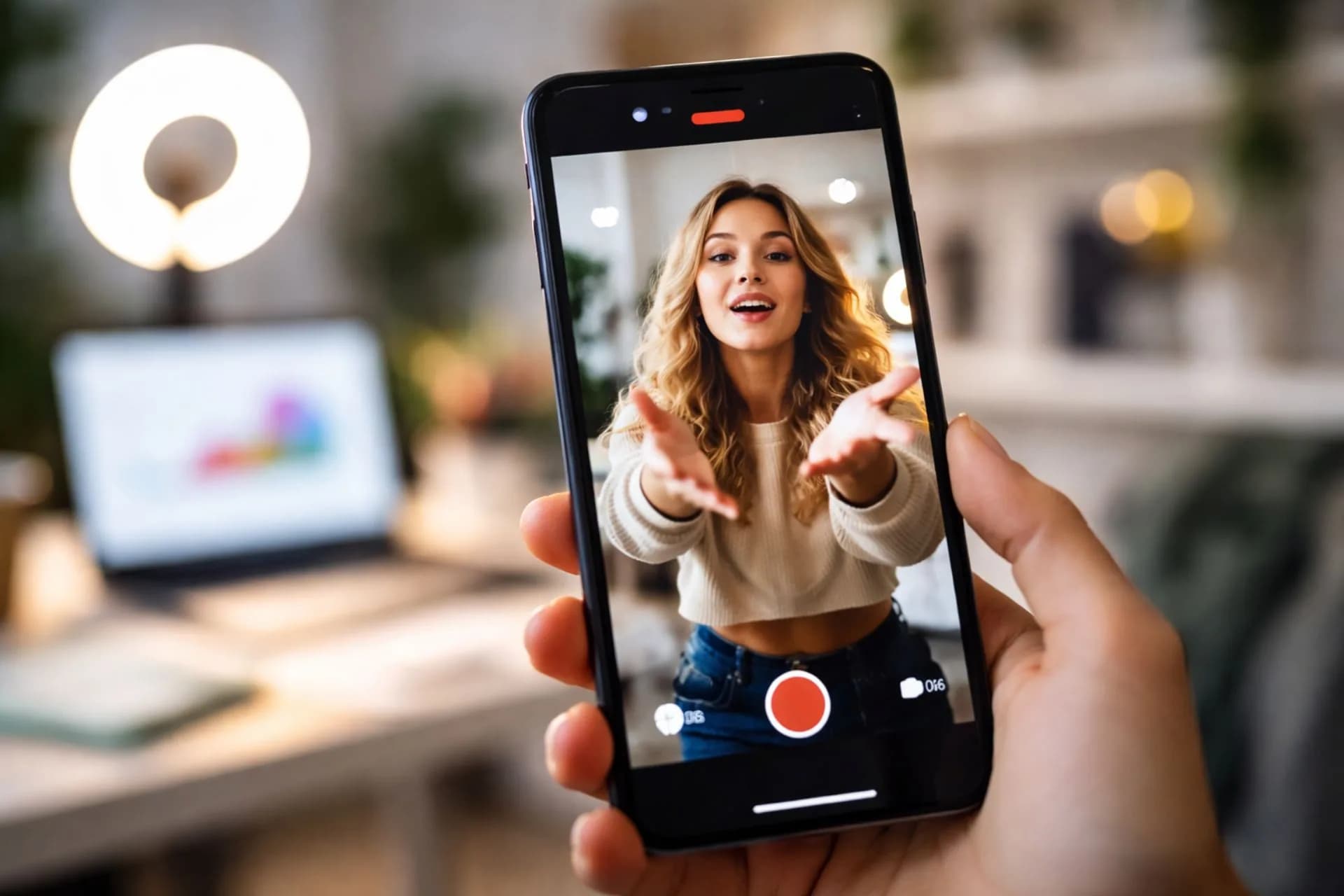
The right track can make an exaggerated performance even funnier.
Can I use classic comedy sound effects?
Yes, layering classic sound effects is one of the most effective ways to enhance physical comedy. A simple whoosh or a record scratch instantly tells the audience how to react.
1. Emphasize movements
Use simple swooshes, slips, and pops to exaggerate facial expressions or sudden turns. You can find these easily in the Hoopr sound effects library to build your audio timeline. These small additions make everyday movements feel cartoonish and exaggerated.
2. Highlight awkwardness
The classic cricket chirp or a sudden record scratch is perfect for moments when a joke lands poorly on purpose. These effects act as an invisible laugh track, guiding the viewer's reaction. They fill the dead air and make the silence itself part of the joke.
3. Mix music and SFX
Do not rely on just one or the other. Lower the volume of your background track right before a punchline, insert your sound effect, and then bring the music back up to maintain the energy. Read our guide on how and where to use comedy SFX for more detailed timing tips.
How do I layer audio for maximum comedic effect?
Layering your audio properly ensures that your dialogue, sound effects, and music all work together without clashing. Good sound design is often the secret ingredient in viral comedy videos.
1. Prioritize dialogue
Your audience must hear the joke clearly for it to work. Always keep your dialogue track at the highest volume level, and use EQ to cut out background hums. If the music competes with the spoken words, the humor will be lost entirely.
2. Duck the background score
Audio ducking is a technique where you lower the music volume whenever someone speaks. You can automate this in most editing software or do it manually with keyframes. This ensures the background score supports the scene without overpowering the actors.
3. Hard cuts for punchlines
One of the oldest tricks in comedy editing is the hard audio cut. Stop the music abruptly right before the punchline is delivered. This sudden silence draws the viewer's full attention to the joke, making the final delivery much more impactful.

Sound effects like tiptoe sounds and a sudden cymbal crash add punch to physical comedy.
What happens if I get a copyright claim on my skit?
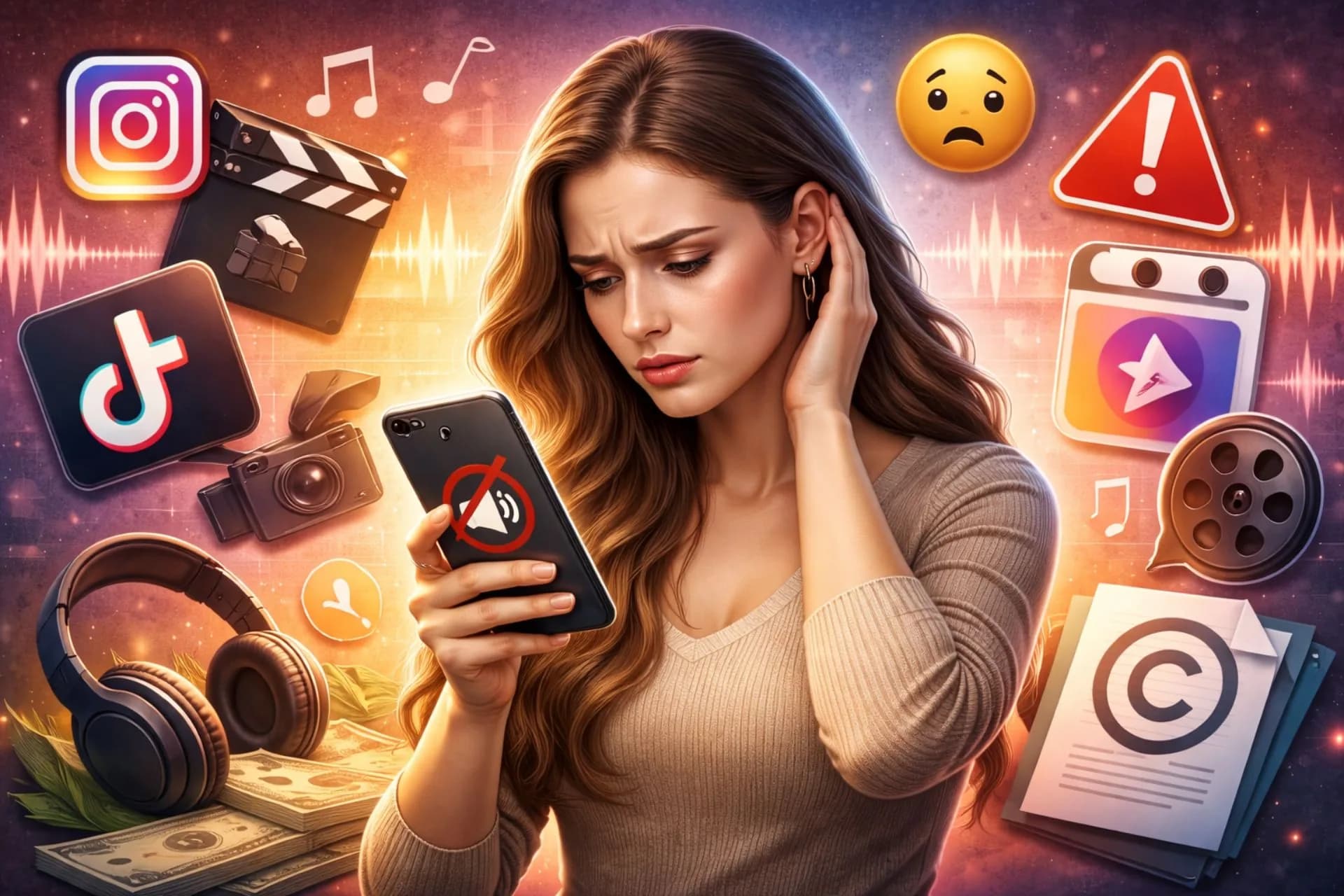
If you use a copyrighted track without permission, your video could be demonetized or blocked. Securing your audio properly ensures your comedy content stays safe and profitable.
1. Understand Content ID
YouTube uses a system called Content ID, which scans uploaded videos for copyrighted material. If it finds a match, the rights holder can claim the ad revenue from your hard work. This can happen even if you only use a few seconds of a popular song.
2. Whitelist your channels
When you subscribe to a licensing platform, you link your social media accounts for whitelisting. This process tells the system that your specific YouTube, Instagram, or Facebook channel has the legal right to use the music. Once linked, you can publish your skits without fear of strikes.
3. Clear claims automatically
If a claim still appears on a whitelisted YouTube channel, you simply submit the video link from your account. Hoopr clears it for you, ensuring your monetization is never interrupted. The licence you get is worldwide and perpetual, meaning your video stays cleared forever.
How do I edit long comedy videos into Shorts?
You can repurpose your long-form sketches into vertical clips to reach a wider audience on Instagram Reels and Facebook. Automated tools make this process incredibly fast.
1. Upload your sketch
Using a tool like Hoopr Creator Studio, you can upload your full MP4, MOV, or WebM video file. The Clips feature will scan the footage and cut out the best, most engaging moments for you. This saves you hours of manually scrubbing through your timeline.
2. Reframe for vertical
The studio automatically reframes your horizontal sketch into a 9:16 aspect ratio. This makes your widescreen footage perfectly sized for mobile viewing, which is crucial for delivering visual jokes on platforms like Instagram Reels. You get a ready-to-post vertical video without having to adjust the crop yourself.
3. Add captions and score
Comedy relies heavily on dialogue, so use the Captions tool to add styled text to your Shorts. The Clips tool returns your vertical videos already scored with Hoopr music, making them ready to licence and publish instantly. This streamlined workflow lets you focus on writing your next great sketch.
Where can I find the best tracks for a comedy sketch?
You need a reliable source for high-quality, copyright-safe audio that fits your comedic timing. Here are some of the best tracks from the Hoopr Originals catalogue to elevate your funny videos.
1. Energetic and chaotic tracks
When your sketch involves running, arguing, or general chaos, these upbeat tracks keep the energy high. They are perfect for fast-paced montages or slapstick moments.
- Let The Game Begin by Sonata (Fun, Energetic) — Perfect for high-energy, chaotic skits and playful moments.
- Funny Hai Kya by Divya Limbasia (Celebratory, Fun) — A celebratory, energetic beat for lighthearted family comedy.
- Funky Clues by Yellow (Dramatic, Fun) — A dramatic, ethnic track ideal for funny investigations or food vlogs.
2. Quirky and awkward scores
For deadpan humor, sneaking around, or awkward pauses, these tracks provide the perfect subtle backdrop. They add a mischievous tone without distracting from the dialogue.
- Sneaking Around by Playtunes (Nostalgic, Relaxing) — Great for quiet, mischievous moments and dry humor.
- Desi Comedy by Divya Limbasia (Happy, Celebratory) — A classic Indian comedy feel for reel B-roll and punchlines.
- Prankster by Aabhinav Meher (Nostalgic, Fun) — A nostalgic, feel-good track for travel mishaps and pranks.
Frequently asked questions
Can I use Hoopr music on Facebook and Instagram?
Yes. When you link your channels to your account, they are whitelisted for YouTube, Instagram, and Facebook. This ensures your comedy sketches are cleared from copyright claims across all three platforms.
Do I need to buy a separate licence for sound effects?
No, you do not. A single subscription gives you unlimited access to both the music catalogue and the entire sound effects library. You can download as many SFX as you need for your skits.
Will my older videos get a claim if I cancel my subscription?
No, they will not. Any video you publish while your subscription is active receives a worldwide and perpetual clearance. The music remains legally cleared on those videos even if you decide not to renew your plan.
Can I use Hoopr music for branded comedy sketches?
Yes, if you are on the right plan. The Elite plan covers paid brand collaborations and campaigns, allowing you to create sponsored comedy content safely. The Starter and Pro plans are meant for personal or affiliate content.
How do I clear a claim if one appears on my channel?
If a claim appears on a whitelisted YouTube channel, you can submit the video link directly from your Hoopr account. The team will clear the claim upstream for you. This process ensures your video remains monetized without any hassle.
Creating a hilarious comedy sketch takes a lot of effort, from writing the perfect script to nailing the final edit. You should never let a sudden copyright claim ruin the momentum of a successful video. By choosing a dedicated music licensing platform, you can focus entirely on making your audience laugh.
Ready to score your next viral sketch? Explore the Hoopr subscription plans today. With unlimited downloads from the Hoopr Originals music catalogue and sound effects library, you will have everything you need to perfectly time your next big punchline.